
Blog / Contractor Marketing / Local SEO
9 Google Business Profile Mistakes That Are Quietly Costing Contractors Jobs
The listing homeowners see first, ranked by the mistakes that push it to the bottom of the map pack — and the fifteen-minute fixes for each.
9 Mistakes Covered
15 Min/Week to Fix
#1 Most Overlooked Listing
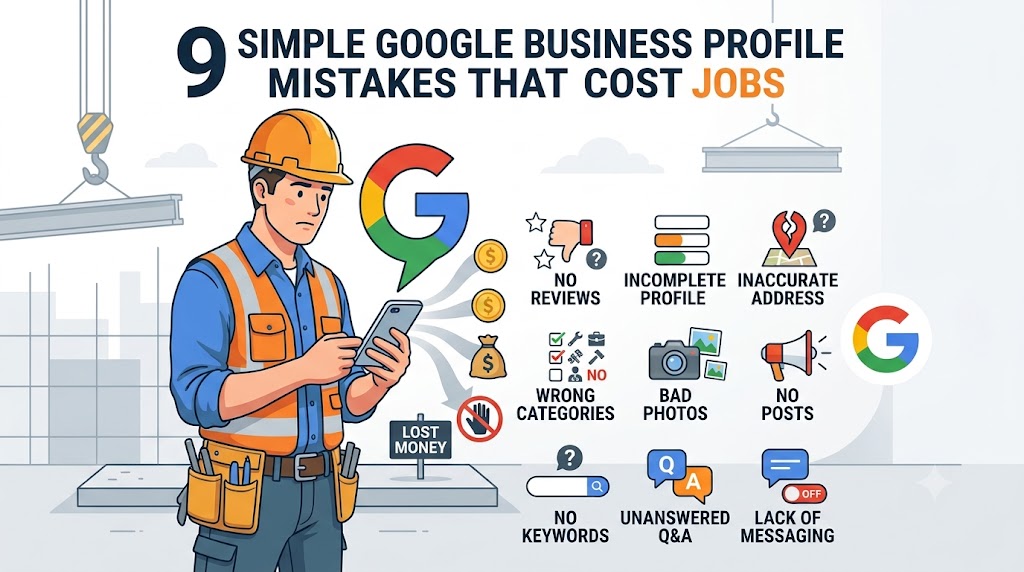
A homeowner with a leaking roof doesn’t scroll past the first page of Google. They look at the three listings in the map pack, check the stars, and call whoever looks most legit. That’s it. That’s the whole decision.
Your Google Business Profile (GBP) is the thing that shows up in that moment — and for most contractors, it’s also the most neglected piece of their entire marketing. You set it up once when you started the business, added a phone number and a logo, and never touched it again.
That’s the problem. Google doesn’t rank “set it and forget it” listings. It ranks active, accurate, specific ones. Here are the nine mistakes we see most often on contractor profiles — and what to do instead.
THE 9 MISTAKES
1Picking the Wrong Primary Category
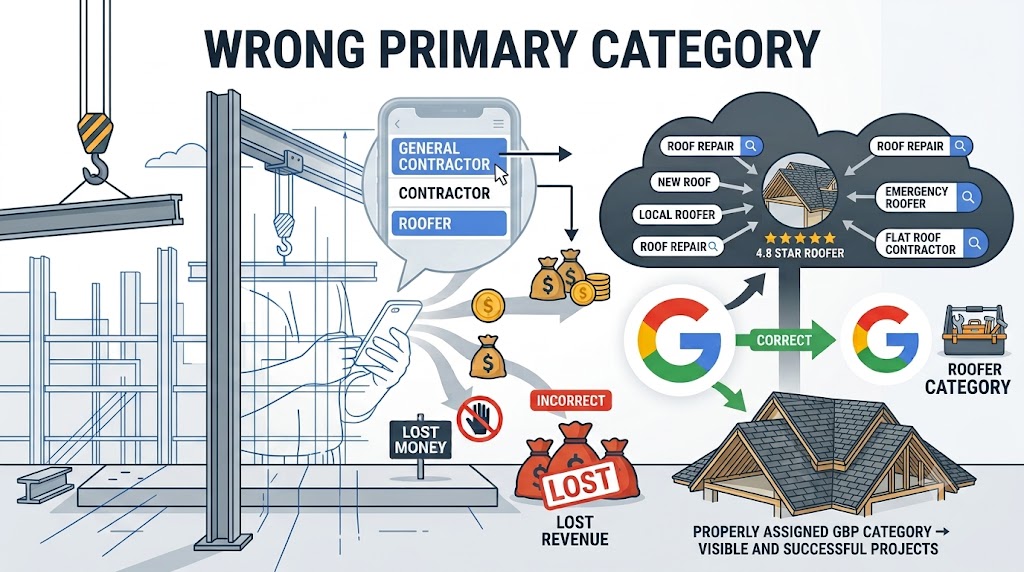
This is the single most common — and most expensive — mistake. Your primary category tells Google exactly what to match you to. If you’re a roofer but your profile is set to “General Contractor” or just “Contractor,” you’re handing every roofing-specific search to a competitor who set theirs up correctly.
✓ Fix It
Choose the most specific category that honestly describes your core service — “Roofing Contractor,” not “Contractor.” Add secondary categories for everything else you legitimately do. Don’t add categories for work you don’t actually perform — Google checks, and it will hurt you.
2Stuffing Keywords Into Your Business Name
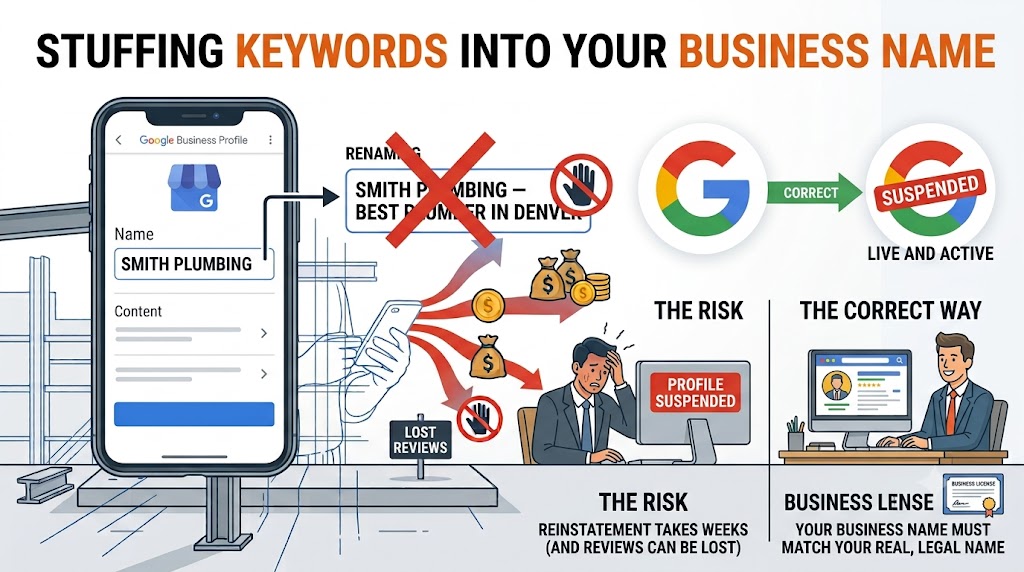
It’s tempting to rename your listing “Smith Plumbing — Best Plumber in Denver” to grab extra keyword real estate. Don’t. Your business name on Google has to match your real, legal name. Keyword stuffing here is one of the fastest ways to get a profile suspended, and reinstating a suspended listing (along with all its reviews) can take weeks.
✓ Fix It
Use your actual business name, nothing added. Let your categories, services, and posts do the keyword work instead.
3Showing an Address When You Don’t Have a Storefront
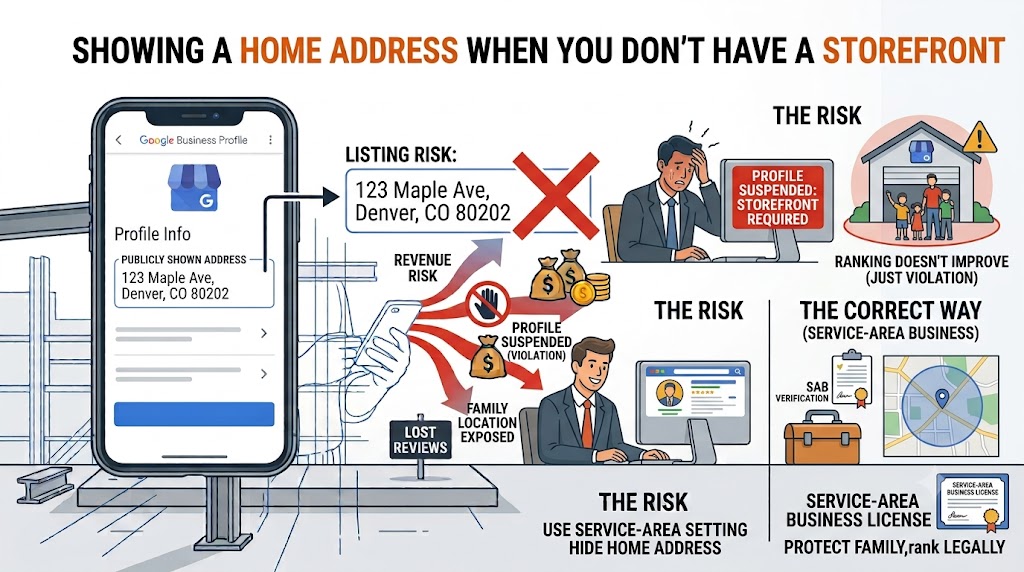
If you work out of your garage or drive to job sites, publicly listing your home address doesn’t help you rank — it just exposes your family’s location and can trigger a suspension for violating Google’s guidelines on service-area businesses.
✓ Fix It
Mark yourself as a service-area business and hide your address. Then manually list every city, town, or ZIP code you actually work in — turning your listing into a shaded coverage area instead of a single pin.
4Leaving Your Service Area Too Small (or Undefined)
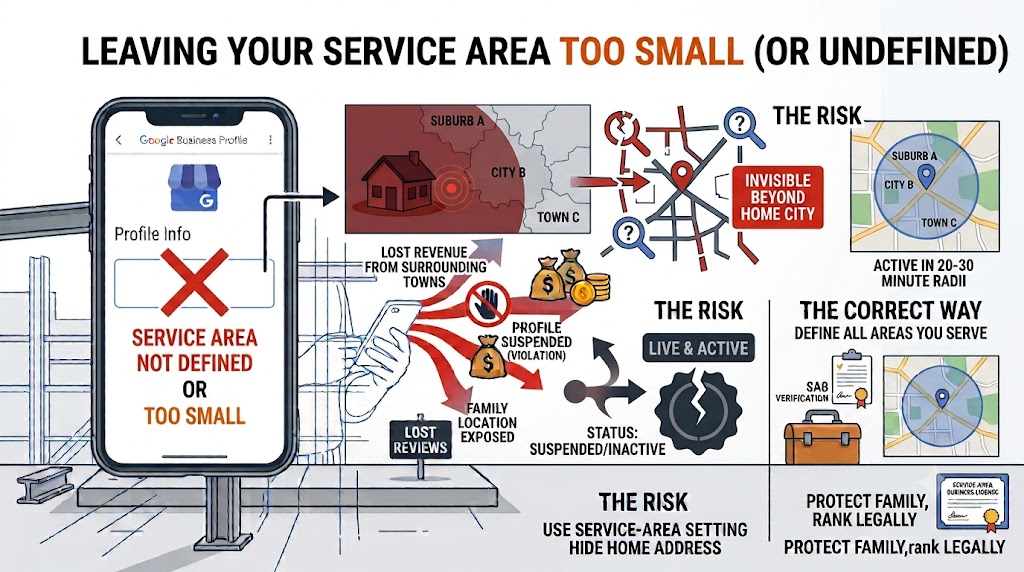
If you never set a service area, Google defaults to assuming you only work in your home city. That means you’re invisible for searches happening 20 or 30 minutes away — even if that’s half your customer base.
✓ Fix It
List every area you actually want jobs from, by name — not just the county. “Marina, Salinas, Watsonville” beats “Monterey County” every time.
5Inconsistent Business Information Across the Web
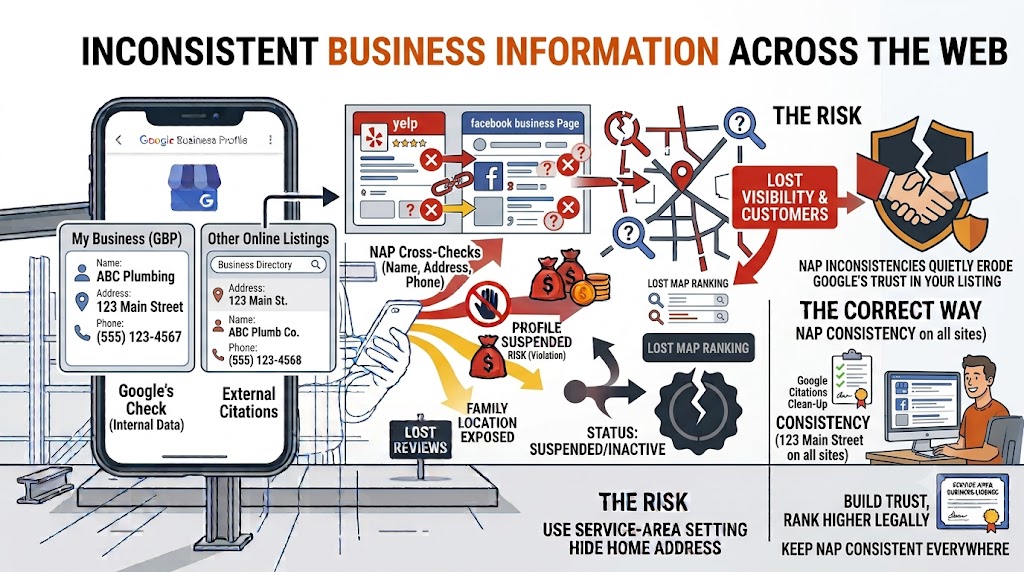
Google cross-checks your name, address, and phone number (your “NAP”) against every other place your business appears online. If your website says “St.” and your GBP says “Street,” that inconsistency quietly erodes Google’s trust in your listing.
✓ Fix It
Pick one exact format for your name, address, and phone number, and make sure it’s identical everywhere your business is listed. Tedious, but it matters.
6Letting Reviews Pile Up Without a Response
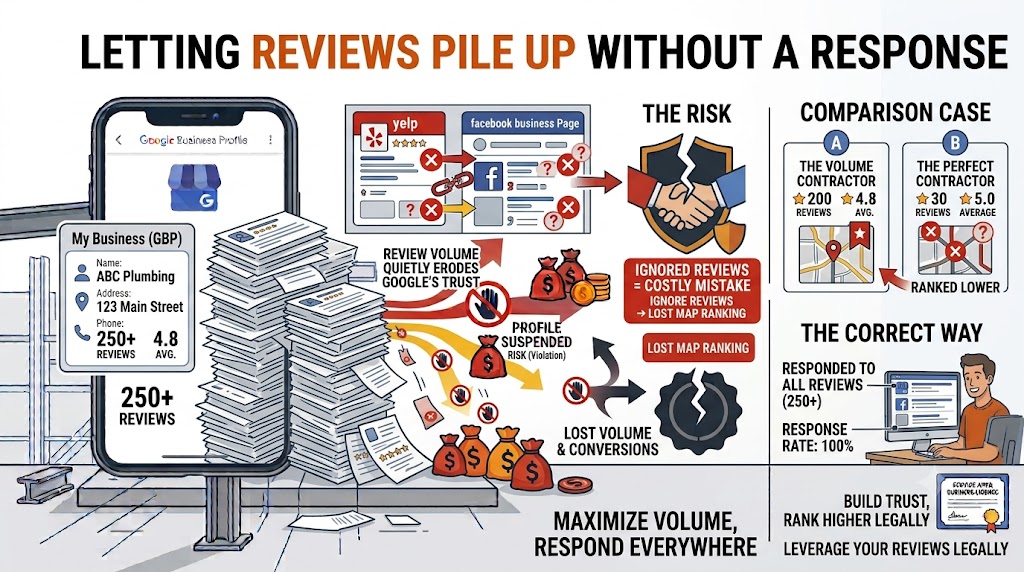
Reviews are one of the top-weighted ranking factors for the map pack, and volume matters almost as much as your star rating. A contractor with 200 reviews and a 4.8 average will typically outrank one with 30 reviews and a perfect 5.0. But the bigger mistake is ignoring the ones you already have.
✓ Fix It
Ask for a review the moment a customer is happiest — standing in front of the finished work. Text them a direct link. Then respond to every review, good or bad, with something specific and genuine.
7A Profile With Barely Any Photos
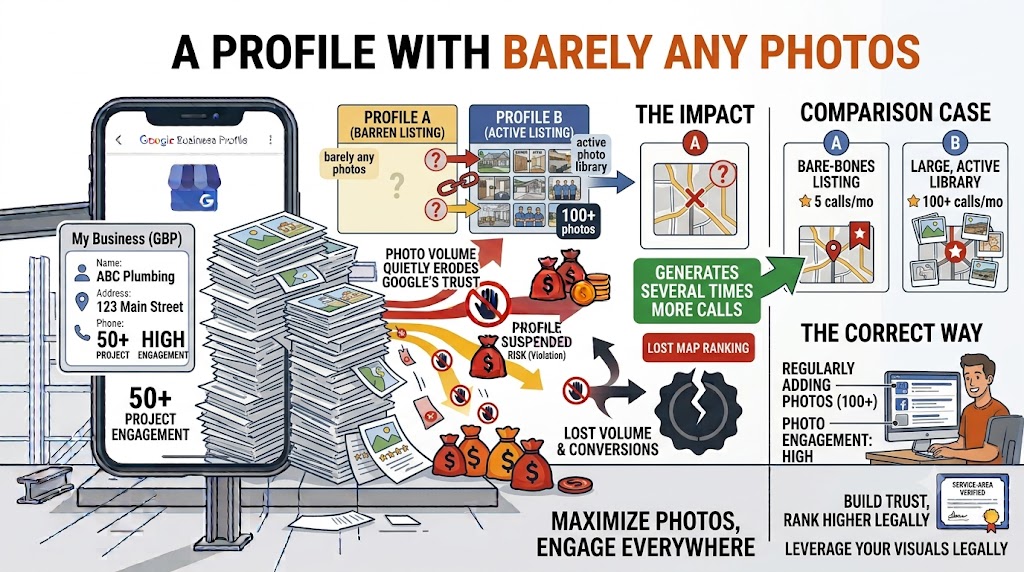
Profiles with a large, active photo library consistently out-rank and out-convert bare-bones listings — some data shows profiles with 100+ photos generate several times more calls than those with only a handful.
✓ Fix It
Photograph every job — before, during, and after. Upload weekly, not once a quarter. Include your crew, your trucks, and your equipment.
8Never Using Google Posts or Q&A
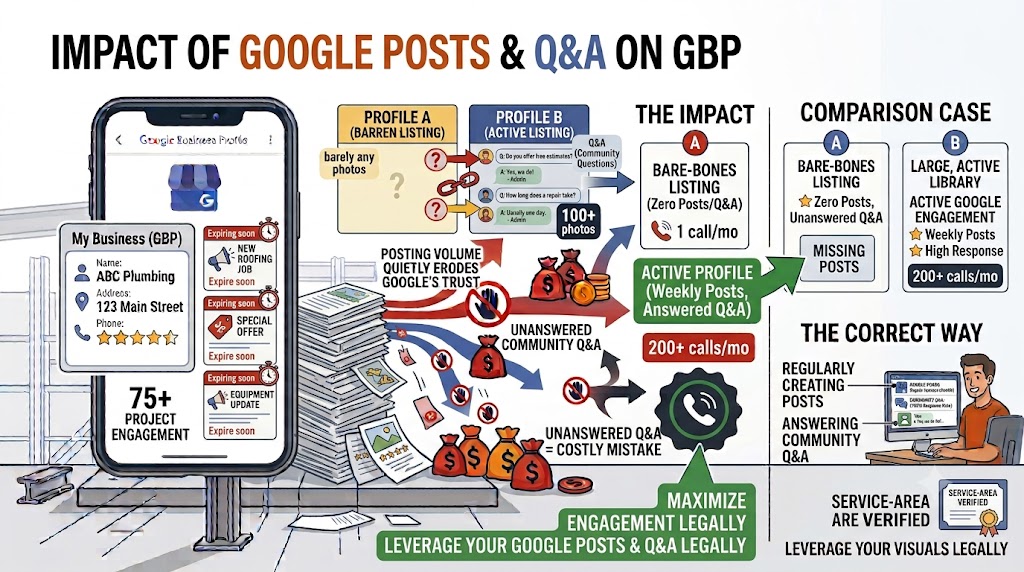
Google Posts are small, expiring updates that show directly on your profile — and almost no contractor uses them. The Q&A section is just as overlooked, even though anyone can post a question there, including you.
✓ Fix It
Post something once a week. Then seed your own Q&A with what homeowners actually ask — free estimates, licensing, financing — and answer them yourself.
9Changing Everything at Once
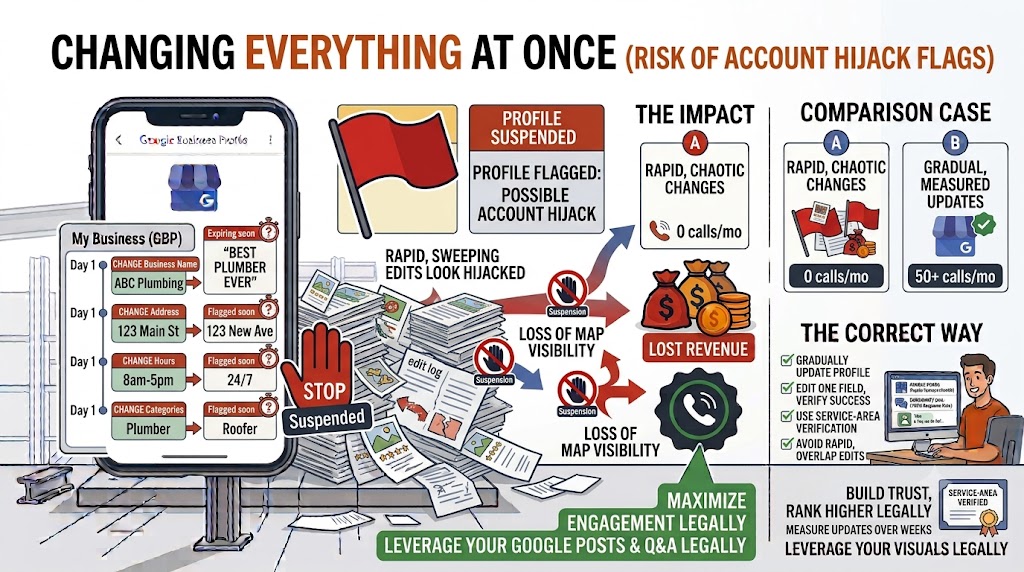
If you finally decide to fix your profile and, in one sitting, change your business name, address, hours, and categories all together, don’t be surprised if Google flags it. Rapid, sweeping changes look like a hijacked account.
✓ Fix It
Make changes gradually — hours this week, description next week, categories the week after. Slow and steady keeps your profile, and your reviews, intact.
The Bottom Line
None of this requires a marketing degree or a big budget. It requires about fifteen minutes a week, done consistently, on the one listing that’s most likely to be a homeowner’s very first impression of your business.
Fix the category. Fix the service area. Post something. Answer your reviews. That’s most of the battle. If your website isn’t backing up that profile with fast load times, clear service pages, and real project photos, the extra clicks you earn here won’t convert once they land.